

E-lending in libraries
Last updated: 3 June 2026
Free e-books and more through the library
Reading is free and easy through libraries – and that includes getting e-books, audiobooks and magazines on your own device..
Once you're set up you can borrow content without visiting the library in person. It's a great option for enjoying stories wherever you are, whether you're commuting, on holiday or doing the dishes.
Most public libraries offer e-lending, which means you can access free e-books, audiobooks and digital publications like newspapers and magazines.
These are some of the e-lending apps libraries use:
Borrowbox offer e-books, audiobooks and ePress titles to library customers for free.
With Libby, you can enjoy free ebooks, digital audiobooks, and magazines from your library.
Pressreader lets library customers enjoy free digital newspapers and magazines on the go.
uLibrary is a free service where you can borrow eAudiobooks and eBooks from your local library.
How e-lending at the library works
The first thing you need to do is become a member of the library. It's free to join.
The library you’ll join depends on where you live. You can find libraries near you on our national library map.
Some library authorities let you get started online. Sometimes this means you can access digital content through the library without visiting in person.
If you can’t join your library online – or you want to borrow physical printed books – then you'll need to visit a library in person.
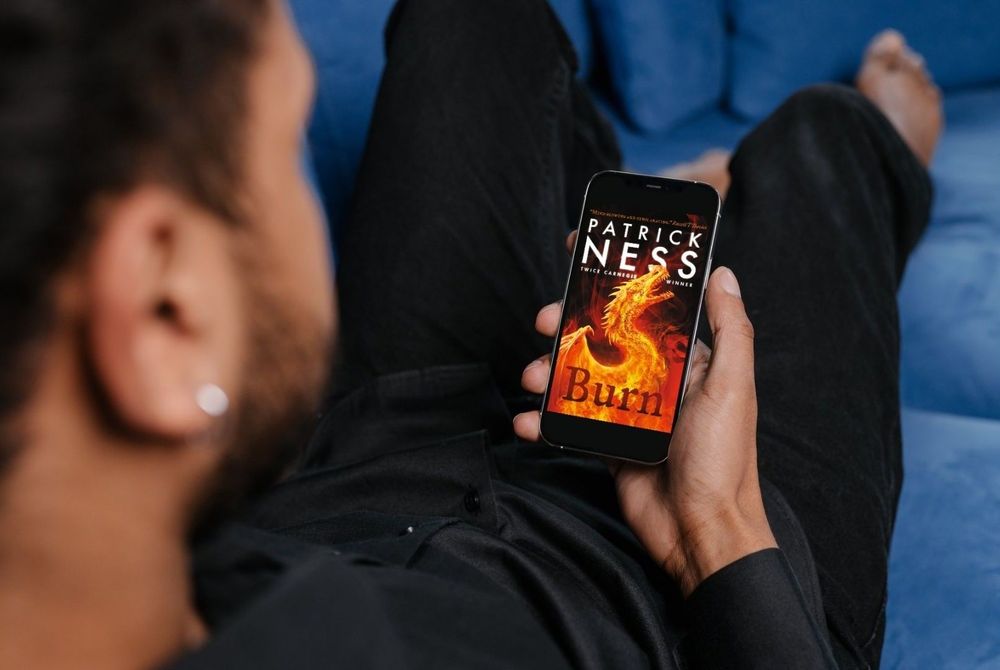
There's a world of content available for free through libraries, including e-books and audiobooks. Image: LibraryOn
Free digital magazines through Libby
With apps like Libby you can enjoy newspapers and magazines you'd usually need to pay for at no cost, on your own device.
If your library uses Libby these are the steps to get access to your free content:
1. Go to our national library map and find your library.
2. Join the library – it's free! You'll be given a library membership number or card.
3. Download Libby to your device.
4. Add the number from your library card to Libby.
5. That's it! You can now enjoy enjoy digital magazines and newspapers through your device.
Did you know?
You don't need to return digital loans. They'll be removed from your device automatically when your loan period ends (if you don't renew them).
That means there are no late fines for digital loans.
Questions about e-lending at libraries

More reading in libraries

Banner animation: Library e-lending customers shot by LibraryOn.